Croatia kits and logo for Dream League Soccer 2026 (DLS 26): 5 kits across 1 season (). Every file is a 512×512 PNG — copy the URL and paste it into DLS.
Croatia DLS 26 kit preview
Tap any kit below to load it into the preview.
Croatia DLS 26 logo URL
 Logo
Croatia DLS 26 kits
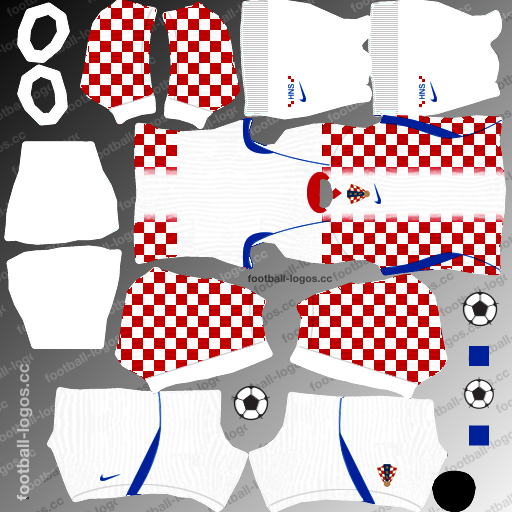 Home
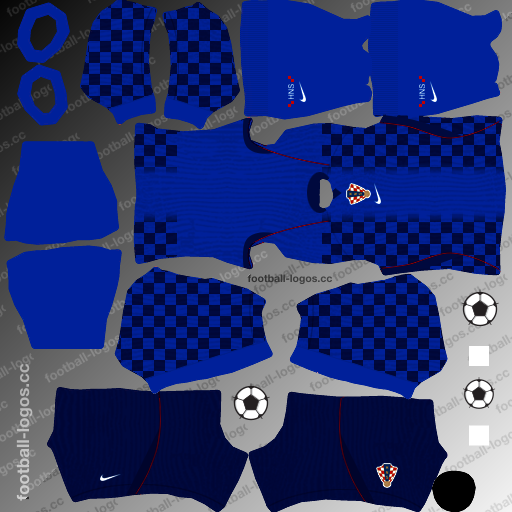 Away
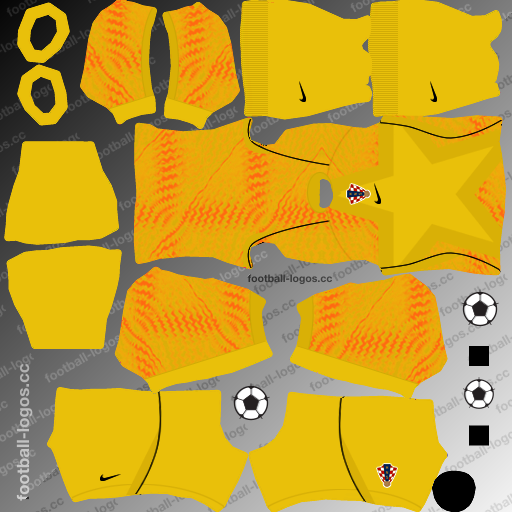 GK Home
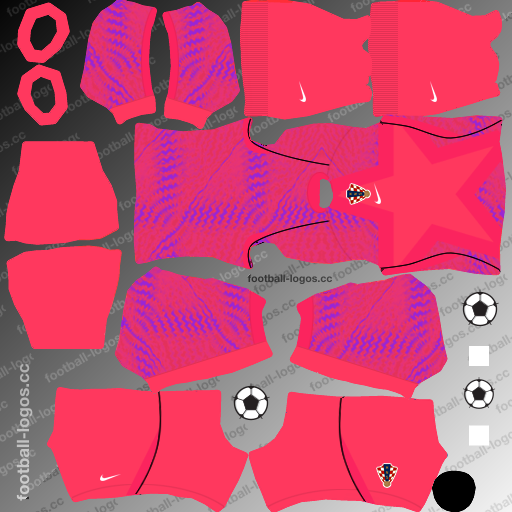 GK Away
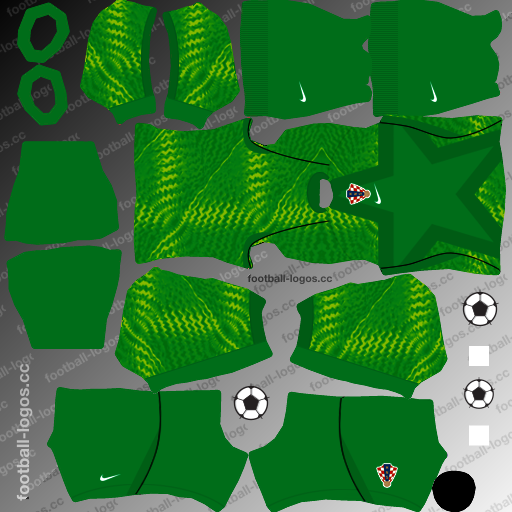 GK Third
Source: football-logos.cc — kit textures and logos are shown unchanged, with the source watermark.
How to add a custom kit and logo in DLS 26
- Press Copy next to the kit (or logo) you want — the 512×512 PNG URL goes to your clipboard.
- In Dream League Soccer 2026 open My Club (bottom-right of the main screen).
- In the Customise panel tap Kit; for the crest tap Logo instead.
- Use the arrows to choose which kit to replace (Home, Away, Third or GK), then tap Custom Kit (or Custom Logo then tap Custom Kit (or Custom Logo). mdash; it may need to be unlocked in the game first).
- Paste the URL, close the keyboard and tap Confirm. When DLS reports that the image was downloaded, tap OK.
- To return to the original kit, tap Delete where the Custom Kit button was.