Gimnasia y Tiro kits and logo for Dream League Soccer 2026 (DLS 26): 5 kits across 2 seasons (1998, 1993). Every file is a 512×512 PNG — copy the URL and paste it into DLS.
Gimnasia y Tiro DLS 26 kit preview
Tap any kit below to load it into the preview.
Gimnasia y Tiro DLS 26 logo URL
 Logo
Gimnasia y Tiro DLS 26 kits 1998
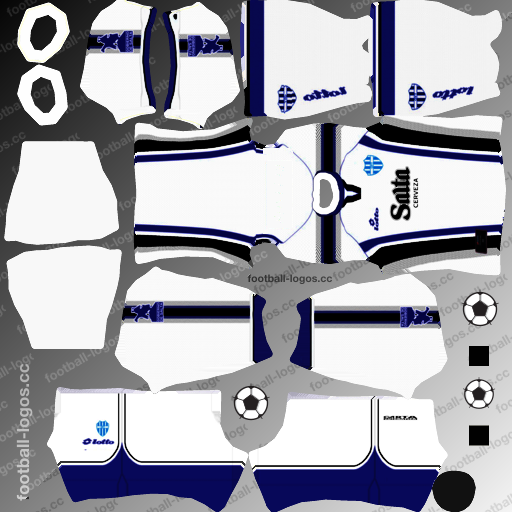 Home
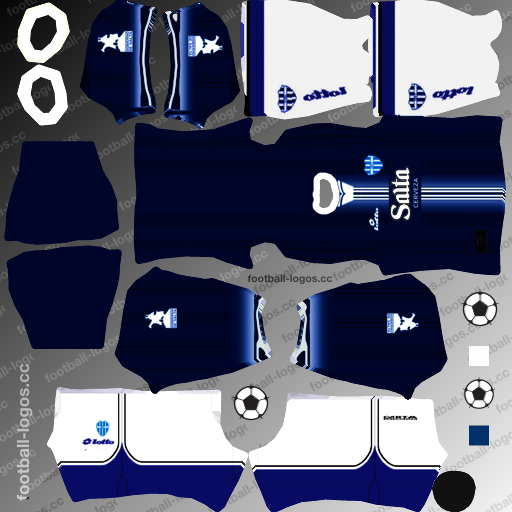 Away
Gimnasia y Tiro 1993 kits
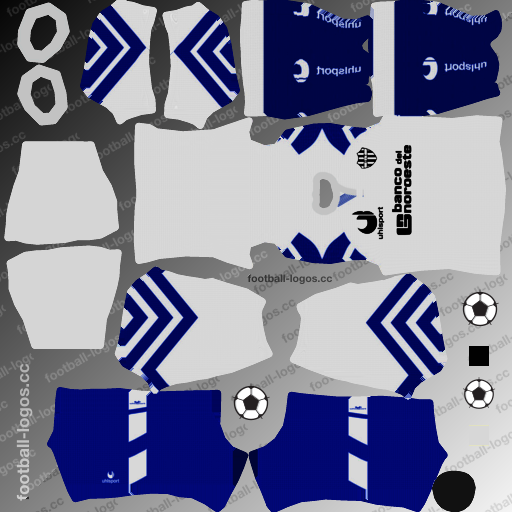 Home
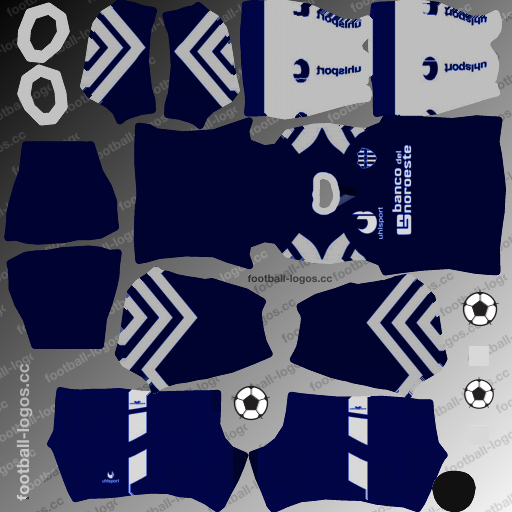 Away
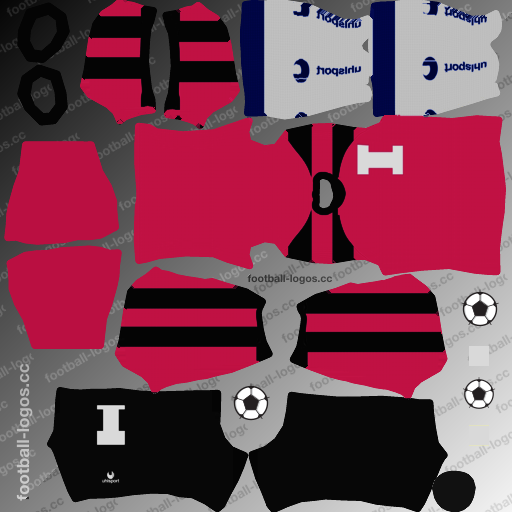 GK Home
Source: football-logos.cc — kit textures and logos are shown unchanged, with the source watermark.
How to add a custom kit and logo in DLS 26
- Press Copy next to the kit (or logo) you want — the 512×512 PNG URL goes to your clipboard.
- In Dream League Soccer 2026 open My Club (bottom-right of the main screen).
- In the Customise panel tap Kit; for the crest tap Logo instead.
- Use the arrows to choose which kit to replace (Home, Away, Third or GK), then tap Custom Kit (or Custom Logo then tap Custom Kit (or Custom Logo). mdash; it may need to be unlocked in the game first).
- Paste the URL, close the keyboard and tap Confirm. When DLS reports that the image was downloaded, tap OK.
- To return to the original kit, tap Delete where the Custom Kit button was.